
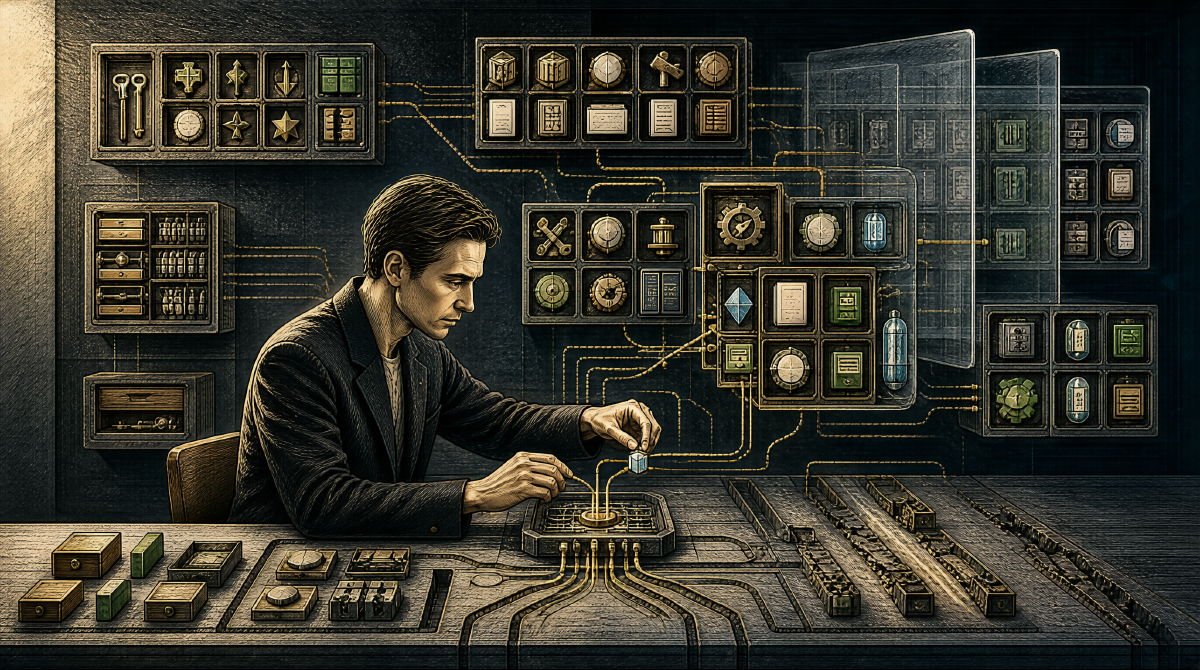
Last time we talked about the Think-Act-Observe loop — the skeleton of an AI coding assistant. A skeleton can’t work on its own; it needs muscle. In Claude Code, that muscle is tools.
Without tools, the loop loses the Act between Think and Observe and degenerates into plain Q&A. With tools, the model can touch the real world: read your code, change your configs, run your tests.
But tool-system design is far more complex than “hand the model a pile of function calls”. The Claude Code source hides several key design decisions, each pointing at the same question:
How does the AI know which tool to use, how to use it, and when?
The answer: the description matters more than the implementation.
The Three Layers of a Tool #
Every tool in Claude Code has three layers:
Layer 1: Definition — the tool’s name, description, and parameter schema. This layer executes nothing; it only answers “what am I, what can I do, what do you need to give me”.
Layer 2: Implementation — what the tool actually does. Reading a file calls fs.readFile; running a command calls child_process. This is engineer-written code.
Layer 3: Permission — the tool’s risk level. Reading a file is low-risk and runs directly; deleting a file is high-risk and needs user confirmation.
Of these three layers, the model only ever sees the first. It doesn’t know whether read_file internally calls fs.readFile or some caching mechanism; it only knows “this tool reads file contents and takes a path parameter”.
This means a tool’s definition layer is the only interface between the model and the real world. Whether that interface is well designed directly determines whether the model can use the tool correctly.
Tool Descriptions: The Underestimated Prompt Engineering #
When most people design AI tools, they pour their energy into the implementation — is the functionality right, is the performance good, are edge cases covered. Nothing wrong with that, but Claude Code’s tool system reveals an easily overlooked fact:
A tool description is a micro-prompt.
It gets injected into the system prompt, and the model relies on it to understand “what this tool does, when to use it, what the parameters mean”. The gap between a good description and a bad one can be the difference between a tool used constantly and a tool never called at all.
Look at the description of the grep_search tool in Claude Code:
Search file contents using regular expressions (powered by ripgrep). Returns matching lines with file paths and line numbers.
This description answers three questions:
- What it does: searches file contents
- How: regular expressions
- What you get back: matching lines, file paths, line numbers
Now a counterexample. Suppose the description just says “Search files” — the model knows you want to search, but not whether that means filenames or contents, what syntax is supported, or what format comes back. With a description like that, the model either dares not use the tool (not enough information) or misuses it (guessed wrong).
Tool-description quality = the model’s accuracy in using the tool. This isn’t a branch of Prompt Engineering — it is Prompt Engineering.
How Tools Are Classified #
Claude Code’s tools aren’t piled together at random. In the source, they fall into a few categories along cognitive dimensions:
Perception — let the model “see” project state. read_file, glob (file matching), grep (content search), ls (directory listing). These tools only read, never modify, and are the model’s main way of understanding context.
Action — let the model “change” project state. write_file, edit (exact replacement), bash (run commands). These tools have side effects and are the permission system’s top priority for control.
External — let the model “reach” the world beyond the project. web_search, web_fetch. These tools introduce uncontrollable external information sources — higher risk, higher reward.
Meta — let the model “know itself”. mcp_status, cost. These tools help the model monitor its own state and resource usage.
This taxonomy isn’t an explicit structure in the source, but it shows up implicitly in the system prompt and the permission system. Perception tools are usually callable without confirmation, Action tools need tiered confirmation, External tools have their own switches.
The essence of classification is risk tiering. Not all tool calls are equally dangerous, and the permission system needs to know “should this call ask the user”.
Progressive Disclosure: The Cure for Context Explosion #
The tool system faces a fundamental tension:
- More tools, more capable the AI.
- More tools, more context consumed by tool descriptions.
- Context fills up with tool descriptions, leaving less room for the actual conversation.
- Less room, worse the model performs (the so-called “lost in the middle” effect).
Claude Code’s answer is progressive disclosure:
Instead of stuffing every tool definition into the system prompt up front, tools are loaded on demand as the conversation unfolds. At first the model sees only the core tools’ descriptions (read, write, edit, bash); when it needs more specialized capabilities, it “discovers” and loads additional tools through some mechanism.
In the source this shows up as the deferred tools mechanism — some tool definitions are not injected into the system prompt by default and are activated only under specific conditions.
Progressive disclosure is essentially the lazy loading of operating systems: nothing urgent to load if unused; load it when used. The difference is that an OS’s lazy loading optimizes memory, while an AI agent’s lazy loading optimizes attention. The model’s attention is a finite context window, and every token should be spent where it counts.
The Synchronicity of Tool Calls #
Claude Code’s tool calls are synchronous and blocking — the model requests a tool call, the loop pauses, the tool finishes, the result returns, the loop continues.
This choice is worth chewing on. Async parallelism is obviously faster: if the model needs to read three files, reading them in parallel is three times faster than in series. Yet Claude Code chose serial.
The reason is cognitive coherence. In the Think phase the model makes judgments based on what it currently knows; it asked for tool A because it believed “what I most need to know right now is X”. If three tools execute in parallel and their results return simultaneously, the model sees a pile of information it didn’t request in that order — it may have already reasoned from tool A’s result, only for tool B’s result to overturn that conclusion.
Serial calls are slower, but they guarantee the model’s reasoning is linearly traceable. Every step has a clear cause and effect, so problems are easy to trace back.
Of course, Claude Code does support parallel tool calls in some scenarios — when the model explicitly judges there are no dependencies among them. But the default is serial, a safety-first design choice.
The Philosophy of the Tool System #
One design philosophy runs through Claude Code’s tool system:
An AI agent’s capabilities are determined not by the model but by the tools.
The same GPT-4o or Claude Sonnet with a different toolset is a different agent. With only read/write tools, it’s a text editor. Add bash, and it’s an ops assistant. Add web_search, and it’s a researcher. Add the MCP protocol for external services, and its boundaries are nearly limitless.
The model is the engine; tools are the transmission and the tires. However good the engine, without the right drivetrain it’s going nowhere.
This is also why, in the Claude Code source, the tool system has nearly as much code as the agent loop. Not because tool implementations are complex — most tools are done in a few to a few dozen lines — but because the infrastructure of tool definitions, dispatch, permissions, error handling, result formatting demands careful design.
Further Reading: BYF’s Kaos Abstraction and the TaskEntry Discriminated Union #
In the BYF project, the tool system does what Claude Code does and adds a layer of abstraction on top — Kaos, the execution-environment abstraction.
BYF’s Kaos interface decouples “execution” from “location”: an operation (read a file, run a command) can execute locally or over SSH on a remote host, and the caller never needs to know the difference. When code calls readText() or exec(), the underlying route may be LocalKaos (local filesystem) or a future SSHKaos (remote), with AsyncLocalStorage automatically bound to the current context. This deepens the “permission classification” in Claude Code’s tool system — it classifies not just read/write/execute, but also where the execution happens.
BYF also did an interesting piece of design-debt cleanup. Its background task system originally used a single ManagedProcess data structure to manage two kinds of tasks at once: real OS processes and JS Promise subagents. To make Promise tasks fit, the code contained one as unknown as KaosProcess type cast — the only as unknown in the entire BYF source. By introducing a TaskEntry discriminated union (ProcessTaskEntry | PromiseTaskEntry), BYF eliminated that type escape hatch completely: each kind of task now has its own shape, and the compiler forces you to guard on kind before accessing entry.proc.
This decision shares its thinking with Claude Code’s “three tool layers”: the type system itself is part of the tool system. You encode the differences between tools in types so errors get caught at compile time, not discovered by the model at runtime.
Next Up #
Tool descriptions get injected into the system prompt. But a production-grade AI agent’s system prompt is more than a pile of tool descriptions — it’s a precisely engineered artifact of hundreds or even a thousand lines: layers, placeholders, deferred loading, dynamic injection… That’s what we tear down next: the design decisions behind an 800-line system prompt.
This series analyzes the architecture of the official Claude Code source, focusing on design ideas rather than code implementation.